Most Popular
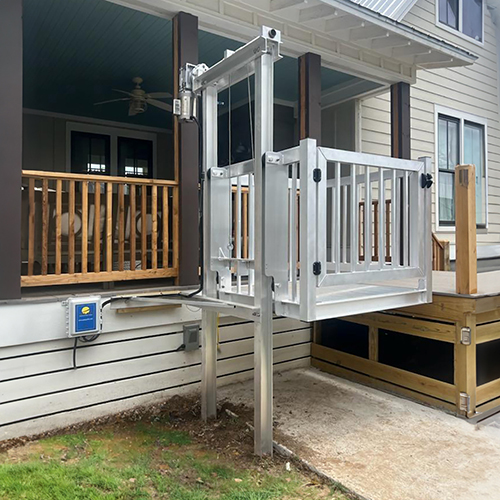
Shuttle+
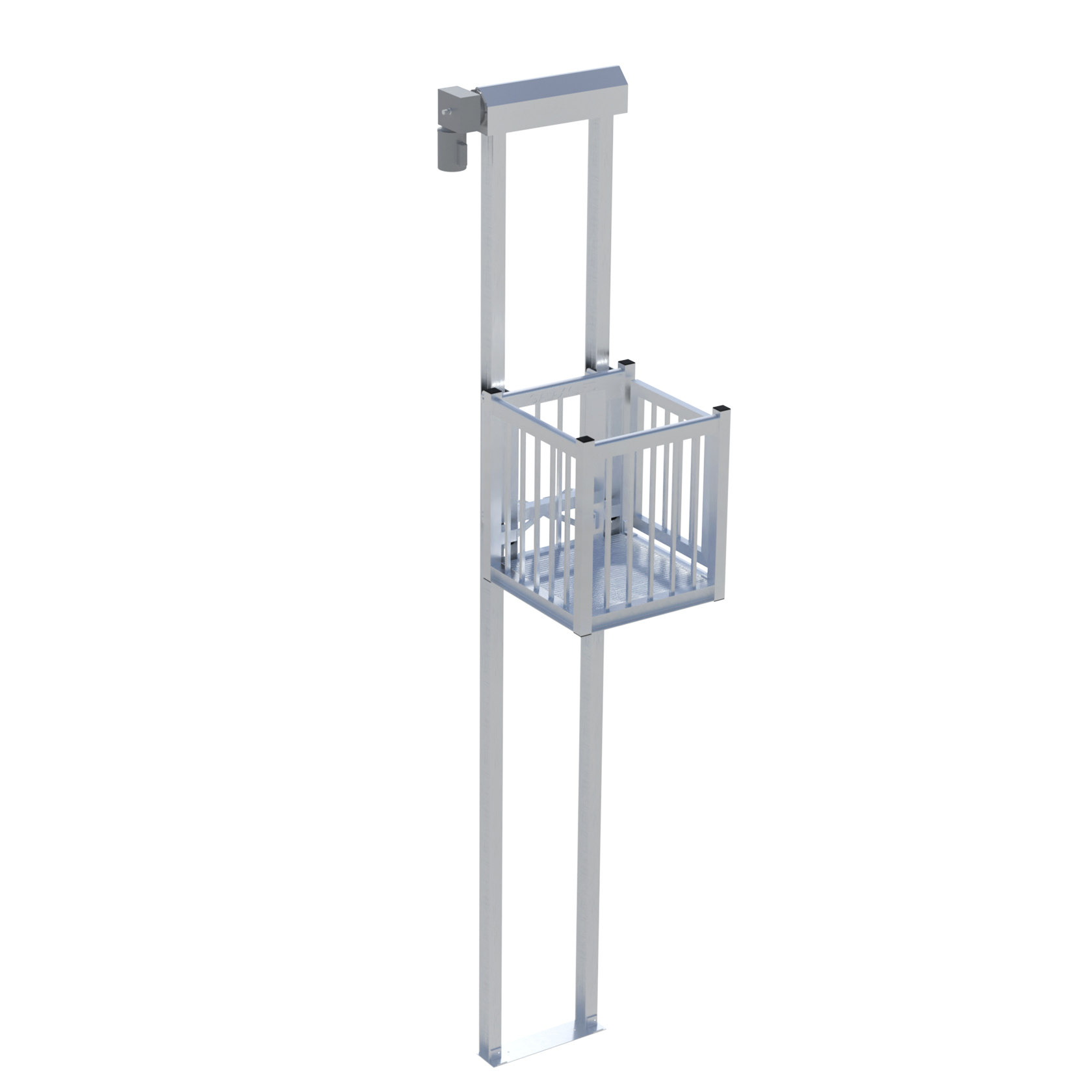
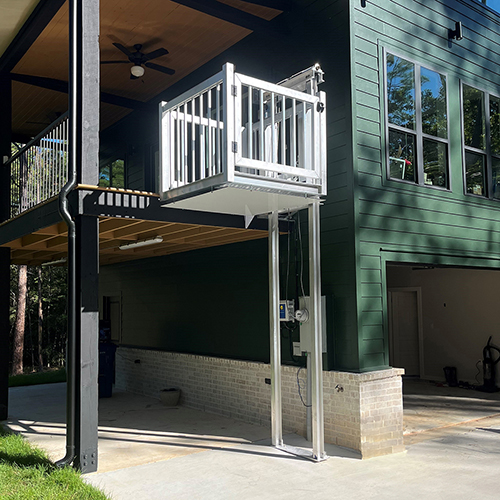
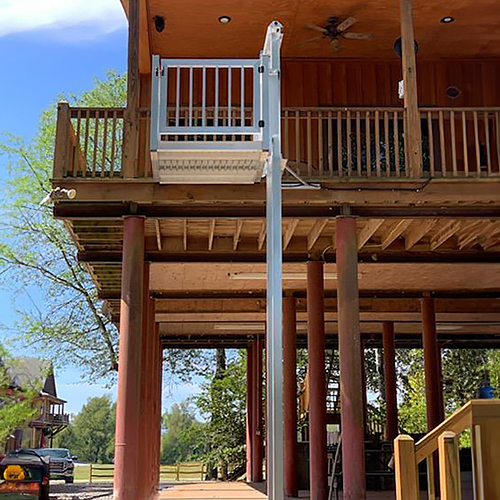
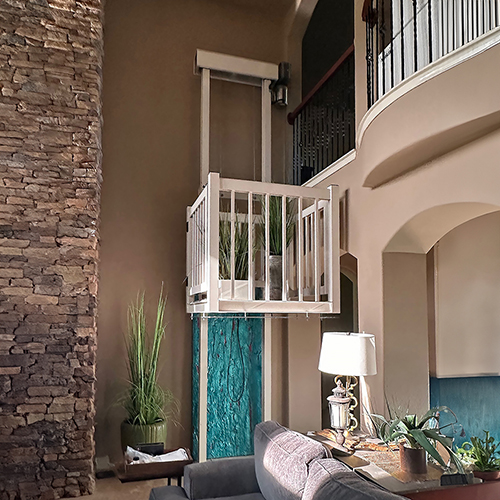
The Shuttle+ cargo lift offers a terrific balance between benefits and budget, which makes it our most popular model. Enjoy Galaxy's signature smooth operation and long-lasting quality.
27
Maximum Travel Height: 27 feet
Weight Capacity: 1,000 lbs
Up to 3
Makes Up to 3 stops
Cargo Only | Not for Passenger Use
Perfect for
- Most home uses
- Both budget & benefits
- Standard loads
Get a Quote